 PCFolders
Where is “This PC” (My Computer) on a Mac?
Short answer: The closest thing is Finder’s Computer view: in Finder choose Go → Computer or press ⇧+⌘+C. It lists Macintosh HD, external drives and Network.
Open the Computer view in Finder
Macs usually have one internal disk called Macintosh HD instead of C: and D:. Your personal folders live in Macintosh HD → Users → your name, the equivalent of C:\Users\name.
Show disks in the Finder sidebar and on the desktop
- Open Finder → Settings (Command-Comma).
- In Sidebar, tick Hard disks, External disks and CDs, DVDs and iOS Devices under Locations.
- In General, choose which disks to show on the desktop.
See how much space is free
Select a disk and press Command-I, turn on View → Show Status Bar, or open System Settings → General → Storage.
Get a real This PC view with PCFolders
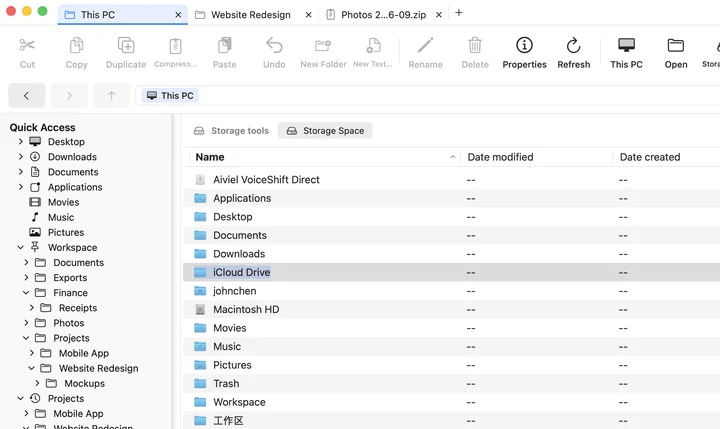
PCFolders opens to This PC: internal disks, external drives, mounted volumes and the folders you granted, side by side with their capacity. Removable drives can be ejected from the right-click menu, and Storage Space shows what takes up room.