Move with confidence
Same-volume moves, cross-volume copies, Option-key copy, drag and drop, and conflict choices.
 PCFolders
PCFolders for Mac
For Mac users who prefer the clarity of a folder tree, an editable path bar, details, and familiar PC-style actions.
Windows-like, Mac-native
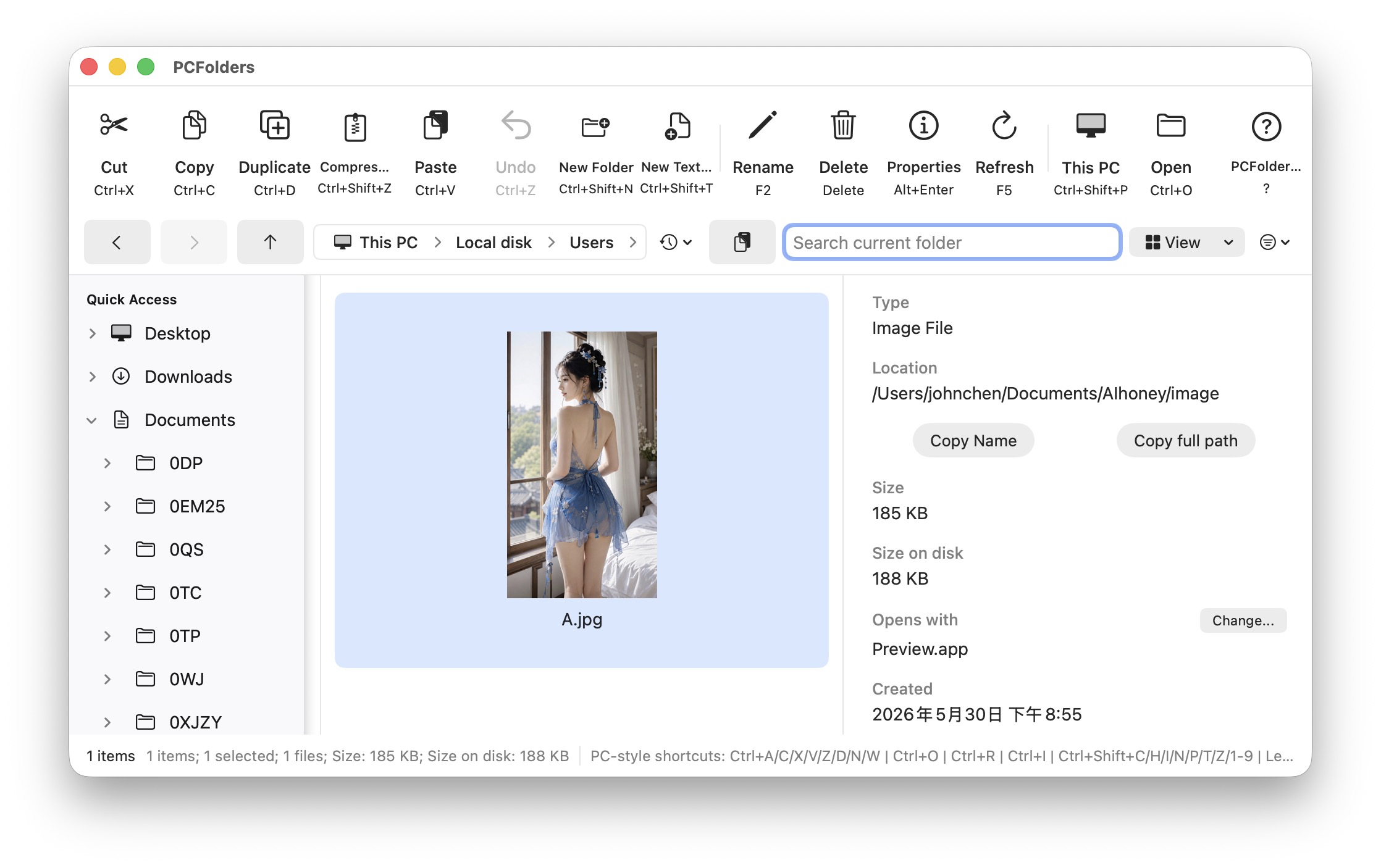
Open into a This PC-style view, move through a persistent sidebar, and keep the current location visible while you work.
Daily file work
PCFolders makes the important state visible: selection, pending cut/copy, conflicts, progress, failures, and what was actually completed.
Same-volume moves, cross-volume copies, Option-key copy, drag and drop, and conflict choices.
Keyboard navigation, multi-select, type-ahead, inline rename, delete-to-Trash, and selection restore.
Properties, owner and permission summaries, file attributes, default app, free space, and folder counts.
Support covers access, paths, shortcuts, file actions, and common recovery steps.